Choosing the Best Japan eSIM for Tourists Who Need Reliable Data
Free public Wi‑Fi in Japan is a trap. The networks that exist under names like Japan Connected free Wi‑Fi and city‑specific SSIDs require a sign‑up portal tha
Affiliate links. If you buy through the links below we may earn a commission, at no extra cost to you. How this works.
Best eSIM plans for Japan
-
uPhone
uPhone Japan, 3 GB / 7 days
- Data
- 3 GB
- Valid
- 7 days
- Price
- USD 7.00
- Per GB
- USD 2.33
-
uPhone Our pick
uPhone Japan, 10 GB / 30 days
- Data
- 10 GB
- Valid
- 30 days
- Price
- USD 17.00
- Per GB
- USD 1.70
-
uPhone
uPhone Japan, unlimited / 15 days
- Valid
- 15 days
- Price
- USD 39.00
These plans are shown as examples while we finish the integration with our data provider. Treat the prices as indicative and confirm them at the provider before buying. We show cost per GB because that is the number that actually differs.
How to Get Mobile Data in Japan as a Visitor
Free public Wi‑Fi in Japan is a trap. The networks that exist under names like Japan Connected free Wi‑Fi and city‑specific SSIDs require a sign‑up portal that can take two to three minutes per connection, demand an email address, and drop out the moment you step away from the hotspot. In a country where Google Maps is the non‑negotiable tool for finding the correct train platform, the correct exit, and the correct restaurant that actually accepts cash, losing signal between convenience stores is not an inconvenience. It costs you time.
The standard solution is to arrive with a working data connection already sorted. The clearest route for most travellers now is a Japan eSIM for tourists. It eliminates the airport queue and the extra device.

Why Free Wi‑Fi in Japan is Unreliable
Coverage Gaps From City to Countryside
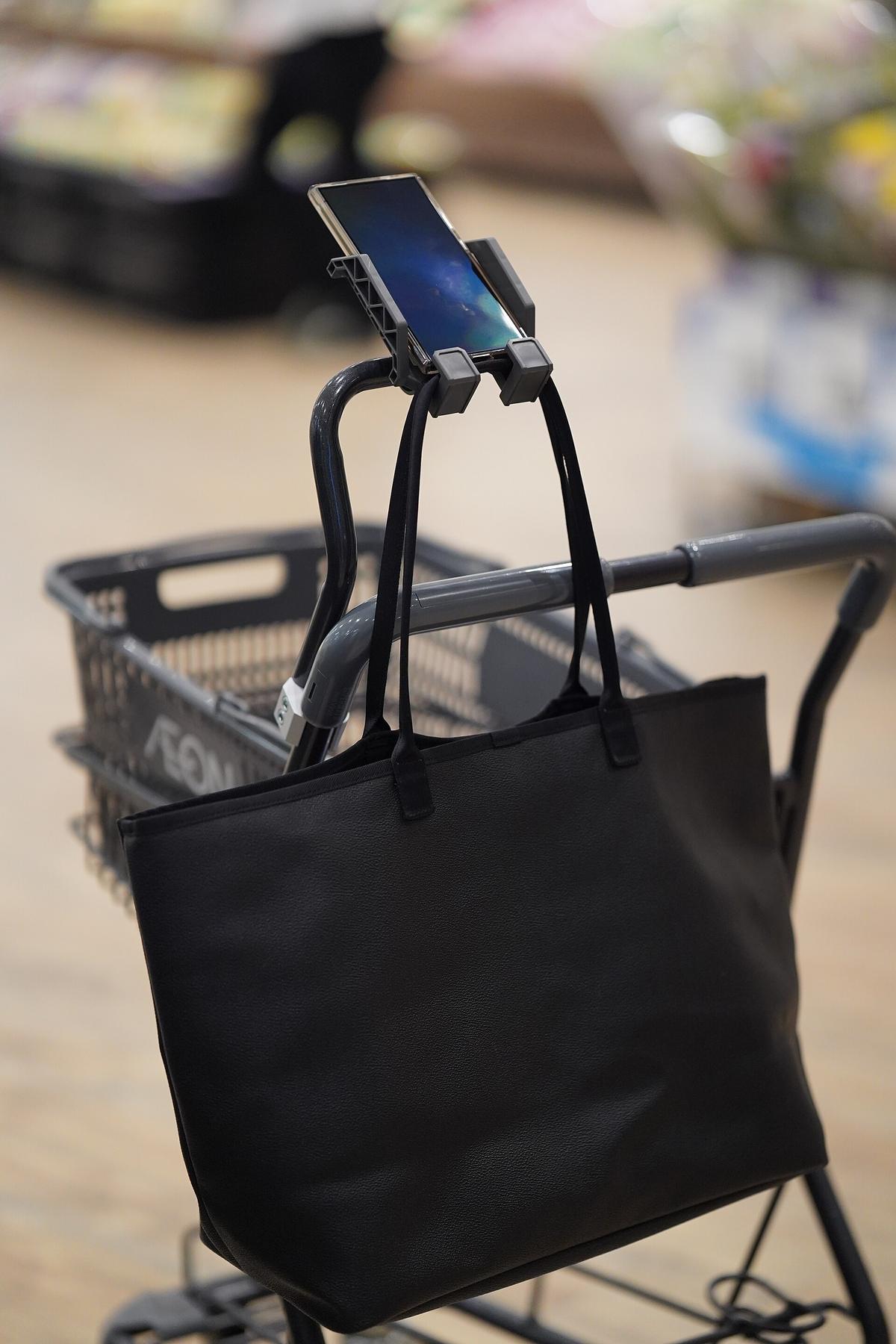
Tokyo has more free Wi‑Fi access points than most European capitals, but coverage is patchy, authentication is slow, and the connection resets after about 30 minutes of inactivity. Rural Japan presents a bigger problem. The mountainous interior of Hokkaido, deep valleys in the Japanese Alps, and remote parts of Shikoku and Kyushu have intermittent mobile signal and very few public hotspots. A visitor relying on free Wi‑Fi to navigate the 88‑temple pilgrimage on Shikoku or find a bus connection in Tohoku will spend more time standing at a Lawson convenience store door trying to log in than actually moving.
The battery drain from constantly searching for Wi‑Fi compounds the issue. Google Maps navigation burns through charge quickly. You will need a power bank regardless of which data option you choose, but the Wi‑Fi‑only user needs a bigger one and a lot more patience.
Google Maps Japan Offline Navigation Limits
Google Maps does allow you to download offline map tiles, but those tiles do not include real‑time transit data. Train schedules in Japan change by the minute with delay information, platform reassignments, and express versus local distinctions. An offline map shows you the geography. It does not tell you that the 14:22 departure from Shinjuku is a rapid service that skips your intended stop, or that a typhoon has suspended service on the Nara line. You need live data for the rail network to function. The Japan Rail Pass does not work on the fastest Nozomi Shinkansen services, and sorting out which train to board demands a working connection.
Pocket Wi‑Fi Rental Japan
Pocket Wi‑Fi devices are the traditional solution and they work. You rent the unit online or pick it up at the airport, and it creates a personal Wi‑Fi hotspot that up to five devices can share. The upside is straightforward: one device covers a group, the battery lasts a full day if you charge overnight, and the large carriers NTT Docomo, KDDI au, SoftBank, and Rakuten Mobile provide near‑continuous signal across the Tokaido Shinkansen corridor and most urban metros. Underground metro coverage is solid on Tokyo Metro, Osaka Metro, and all the major city subway systems.
The downside is that you now carry a second device that needs charging, you have to return it before departure, and if the group splits up, half the group loses data. Pocket Wi‑Fi makes sense for a family of four sharing a single connection and moving together. It is less ideal for a solo traveller who does not want to manage another gadget.
Japan Data SIM Card Airport Purchase
Buying a physical SIM at the airport is the fallback for travellers who decide after arrival that they need data. Pick up a data‑only SIM at the electronics counters in Narita, Haneda, Kansai, or Chubu Centrair, or at electronics retailers such as BIC Camera, Yodobashi Camera, and Yamada Denki once you reach the city. Convenience stores carry limited options. The registration requirement under Japanese law for voice‑capable SIMs is a passport scan and identity verification. Data‑only SIMs may also require passport presentation depending on the provider and purchase channel.
The queue at Narita after a 12‑hour flight can take 30 minutes. The risk of buying a SIM that does not fit your phone because the device is SIM‑locked to a home carrier is real. Check your phone's lock status before you board. A SIM‑locked phone that cannot accept a Japanese carrier profile leaves you with no option but pocket Wi‑Fi or eSIM.

ESIM: Japan ESIM for Tourists Compared
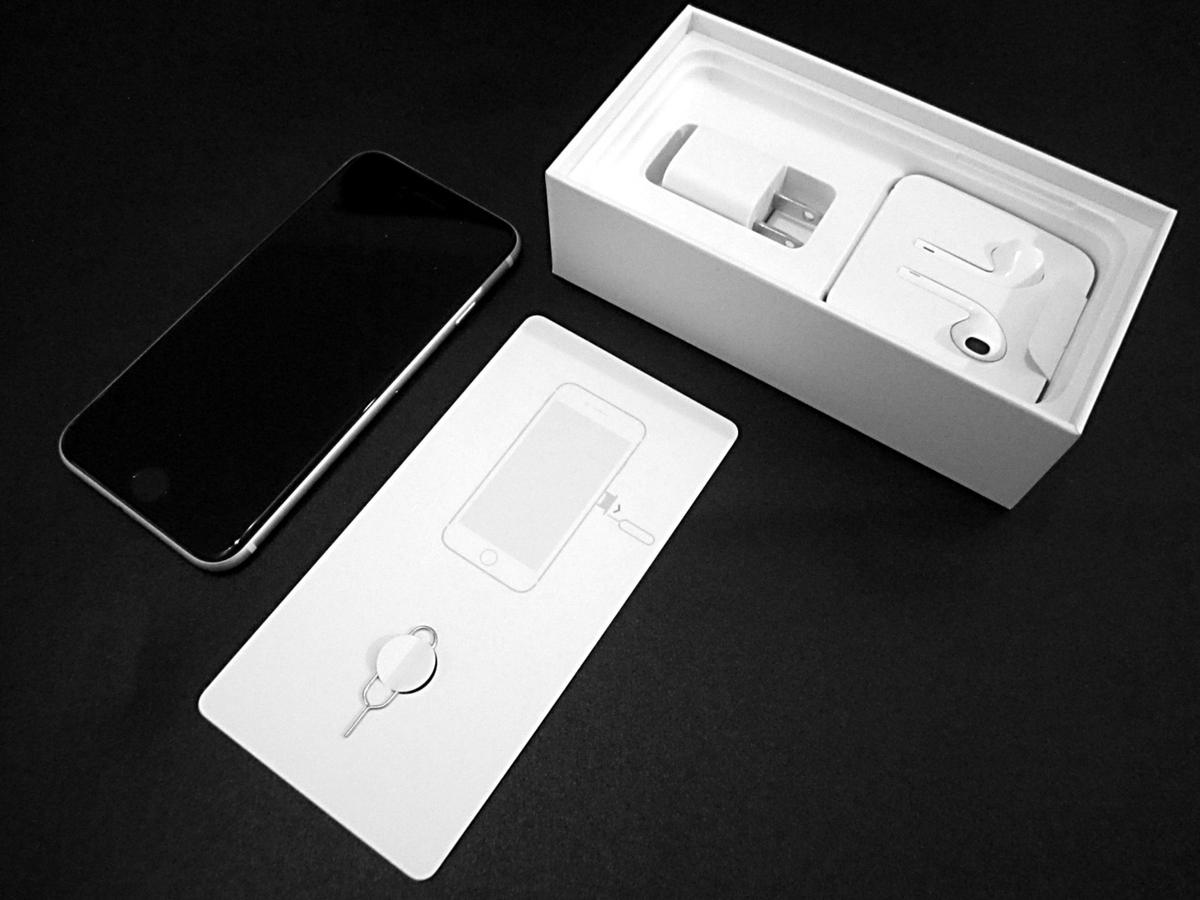
The eSIM route removes the physical card and the airport stop entirely. You buy a data‑only profile from an international provider before you fly, receive a QR code by email, and activate it when you land. The phone must be eSIM‑compatible. Most recent iPhone and Google Pixel models are; some Samsung and OnePlus devices support it as well.
The advantage is dual‑SIM capability: you keep your home carrier SIM active for SMS and calls, while the Japanese eSIM handles data. That means you receive two‑factor authentication codes from your bank without swapping cards. The coverage uses the same NTT Docomo, KDDI au, and SoftBank networks that physical SIMs access, so the signal quality is identical. The trade‑off is that short‑term visitor profiles are data‑only. If you need a Japanese phone number for reservations or local calls, you would need a voice‑capable profile, which domestic operators reserve for residents. Most travellers do not need voice. Data‑only covers Google Maps, transit lookups, restaurant searches, and messaging apps.
The downside of eSIM is activation: if the QR code fails or your phone does not recognise the profile, you have no fallback without Wi‑Fi. Download the profile before departure and keep the confirmation email accessible offline.
Which Option for Solo Travellers Versus Groups
Solo travellers benefit most from eSIM. No queue, no extra device, no return deadline. The dual‑SIM advantage means you stay reachable on your home number while navigating. Groups of two to four people should use pocket Wi‑Fi. One rental covers all devices, the cost splits evenly, and the battery management is a shared responsibility. A group of five or more may need two pocket Wi‑Fi units or a mix of eSIM for the lead navigator and pocket Wi‑Fi for the rest. Physical SIM is the weakest option for both groups and solo travellers. It offers no advantage over eSIM except compatibility with older phones, and the airport queue is a genuine cost in time.
Frequently Asked Questions
Do I need a Japanese phone number for navigating Japan?
No. Google Maps, transit apps, and messaging all work on data only. You do not need voice for navigation. A Japanese number is useful for calling restaurants to book, but most ryokan and high‑end restaurants either have English‑speaking staff or use online booking platforms.
Will my eSIM work on Shinkansen and in rural areas?
Near‑continuous 4G and 5G coverage exists along all major Shinkansen routes including Tokaido, Sanyo, Tohoku, Hokkaido, Joetsu, Hokuriku, Kyushu, Nishi Kyushu, Yamagata, and Akita lines. Signal drops in long tunnels. Rural coverage is intermittent on local lines through mountainous terrain in Tohoku, Chugoku, and Hokkaido. The major carriers cover over 99 percent of the population by 4G LTE, but population coverage is not geographic coverage.
What happens if my phone is SIM locked?
A SIM‑locked phone cannot accept a Japanese eSIM or physical SIM from a local carrier. You must use pocket Wi‑Fi. Check your phone's lock status in your carrier settings before departure.
Is pocket Wi‑Fi rental cheaper than eSIM for one person?
No. Pocket Wi‑Fi rental for a single traveller costs more than a data‑only eSIM plan of similar data volume because the device rental fee is fixed. Pocket Wi‑Fi becomes cheaper per person when split among two or more users.
Can I buy a physical SIM at convenience stores?
Limited prepaid SIM options are available at convenience stores, but selection is narrower than at electronics retailers like BIC Camera or Yodobashi Camera, and staff may not speak English. The airport electronics counters are the most reliable purchase point for physical SIMs.
Read next
-

 Best Time to Visit Japan What Each Season Actually Does
Cherry blossoms and autumn leaves draw the crowds for good reason, but Golden Week gridlock and New Year shutdowns can break an itinerary.
Best Time to Visit Japan What Each Season Actually Does
Cherry blossoms and autumn leaves draw the crowds for good reason, but Golden Week gridlock and New Year shutdowns can break an itinerary.
-
 Getting Around Japan Trains IC Cards and What the Map Oversells
The Japan Rail Pass is no longer an automatic buy. How to calculate if it pays off, which trains it excludes, and how IC cards actually work across regions.
Getting Around Japan Trains IC Cards and What the Map Oversells
The Japan Rail Pass is no longer an automatic buy. How to calculate if it pays off, which trains it excludes, and how IC cards actually work across regions.
-
 Japan Visa Rules and the Application Process Explained
Which passport holders can enter Japan visa-free, what landing permission means at the border, and how the full visa application works for everyone else.
Japan Visa Rules and the Application Process Explained
Which passport holders can enter Japan visa-free, what landing permission means at the border, and how the full visa application works for everyone else.
-
 Cash and Cards in Japan How You Will Actually Pay for Things
Japan runs on cash more than its robot reputation suggests. Where cards work, where they do not, and how to keep enough yen on hand without carrying too much.
Cash and Cards in Japan How You Will Actually Pay for Things
Japan runs on cash more than its robot reputation suggests. Where cards work, where they do not, and how to keep enough yen on hand without carrying too much.
-
 Is Japan Safe Reading the Advice Without Being Misled by It
Japan's crime rate is genuinely low, but earthquakes, typhoons, and the rare nuisance on a crowded train are the risks that actually matter.
Is Japan Safe Reading the Advice Without Being Misled by It
Japan's crime rate is genuinely low, but earthquakes, typhoons, and the rare nuisance on a crowded train are the risks that actually matter.
-
 What a Trip to Japan Actually Costs and Where the Money Goes
A realistic breakdown of what Japan costs across budget, midrange, and high-end travel styles, and where the hidden expenses catch first-timers.
What a Trip to Japan Actually Costs and Where the Money Goes
A realistic breakdown of what Japan costs across budget, midrange, and high-end travel styles, and where the hidden expenses catch first-timers.
-
 A Ground-Level Logistics Guide to Independent Travel in China
First-time independent travel in China: what you need to know about visas, rail booking, eSIMs, mobile payments, and power adapters.
A Ground-Level Logistics Guide to Independent Travel in China
First-time independent travel in China: what you need to know about visas, rail booking, eSIMs, mobile payments, and power adapters.
-
 How Solo Travelers Stay Ahead of Flight Delays and Cancellations
How solo travelers can track inbound aircraft, claim rebooking rights, and adjust ground transport when flights go wrong — step by step.
How Solo Travelers Stay Ahead of Flight Delays and Cancellations
How solo travelers can track inbound aircraft, claim rebooking rights, and adjust ground transport when flights go wrong — step by step.
-
 Why Your eSIM Might Not Work Abroad and How to Check Before You Go
Buying an eSIM doesn't guarantee signal abroad. Learn why coverage fails by location and how to verify reach before you commit to a plan.
Why Your eSIM Might Not Work Abroad and How to Check Before You Go
Buying an eSIM doesn't guarantee signal abroad. Learn why coverage fails by location and how to verify reach before you commit to a plan.